
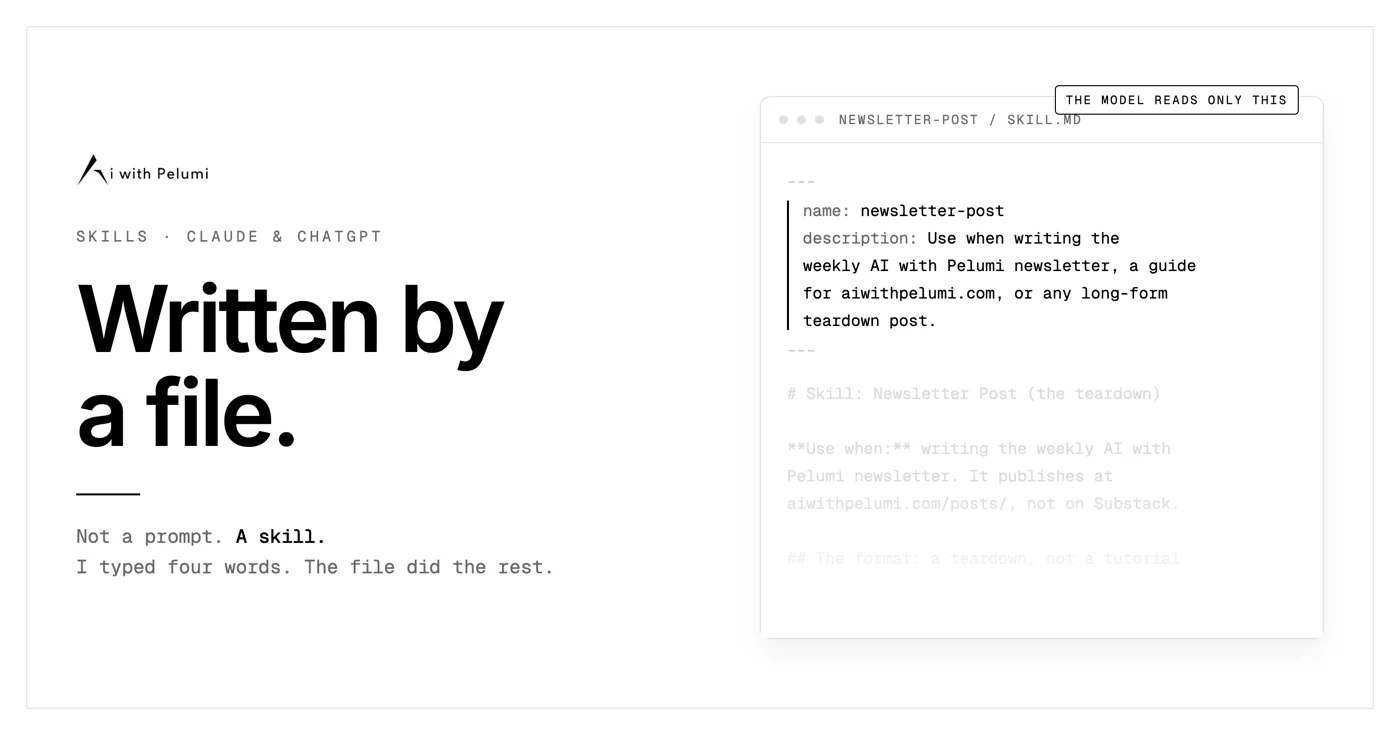
I did not write a prompt for this guide.
I typed one line into Claude:
“Write this week’s newsletter.”
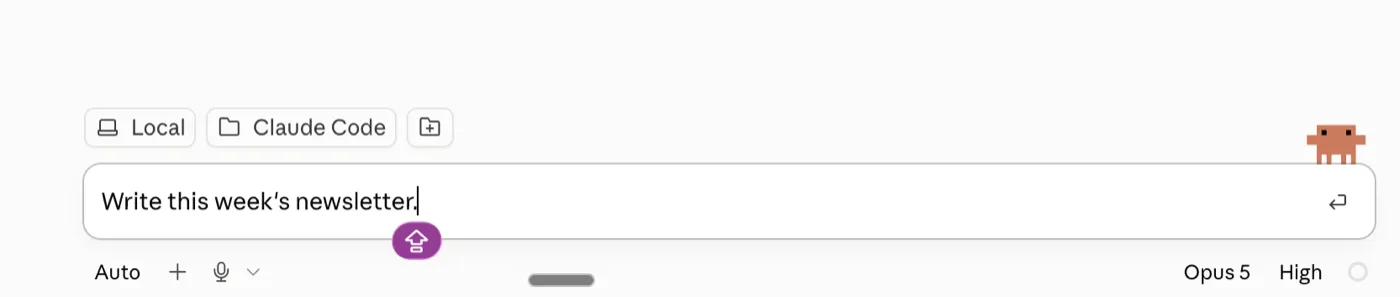
Everything else came out of a file called SKILL.md.
That file sits in a folder on my laptop. I wrote it in July.
It knows my structure. It knows my banned words. It knows that every guide has to name one thing that broke, because I told it so once and never had to say it again.
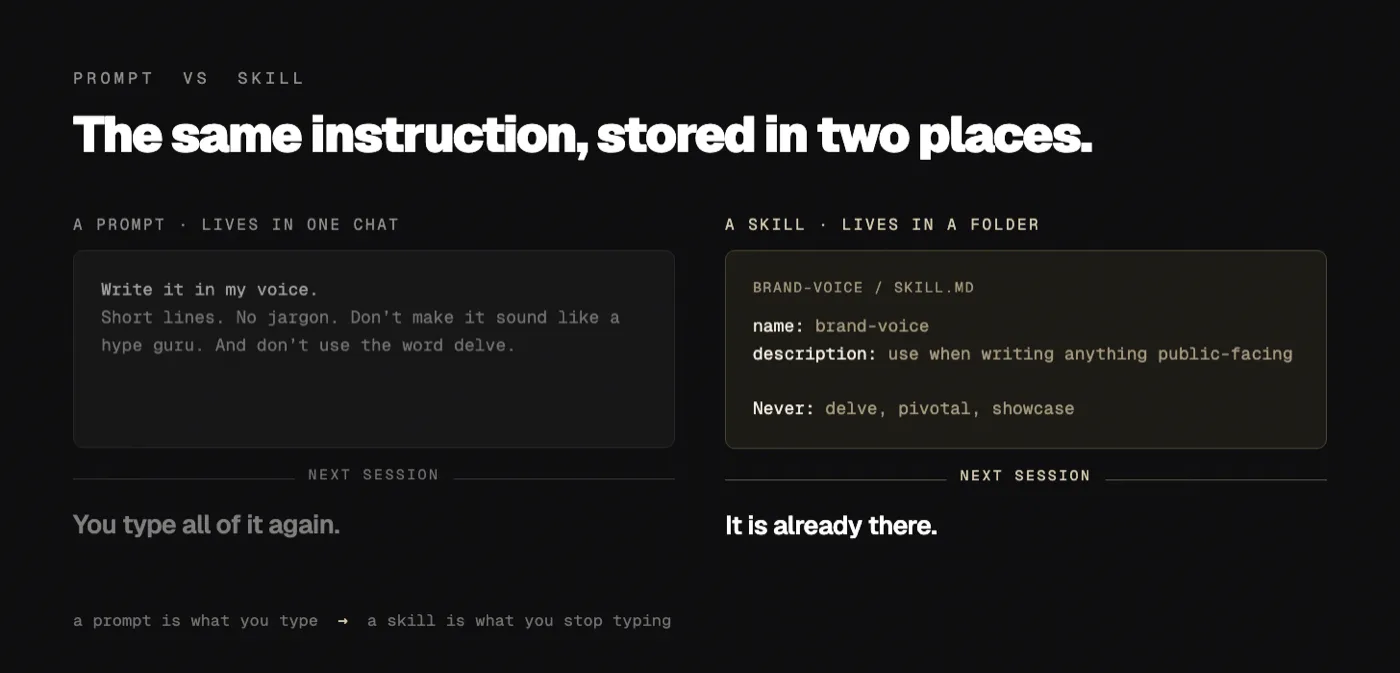
That is the difference between a prompt and a skill.
A prompt is what you type. A skill is what you stop typing.
Two things before we start.
Save this. Then block twenty minutes and build one skill while you read. One. Not five.
Send it to the person who has a note on their phone full of prompts they keep copying and pasting. This is the upgrade for them.
This newsletter is free because people like you send it to people they like.
First, what a skill actually is.
A skill is a folder.
Inside it is a file called SKILL.md.
That file tells the model how you want one specific job done. Your steps. Your rules. Your examples.
The folder can hold other things too. Reference documents. Templates. Small scripts the model can run.
Anthropic released the format in October 2025 and published it as an open standard at agentskills.io that December.
It is not a Claude feature anymore.
Cursor reads it. GitHub Copilot reads it. So do VS Code, Gemini CLI and Codex.
Around forty products read the same format now.
Write the file once. It works everywhere you work.
The part nobody explains.
Here is the mechanism, and it is the reason most people’s first skill does nothing.
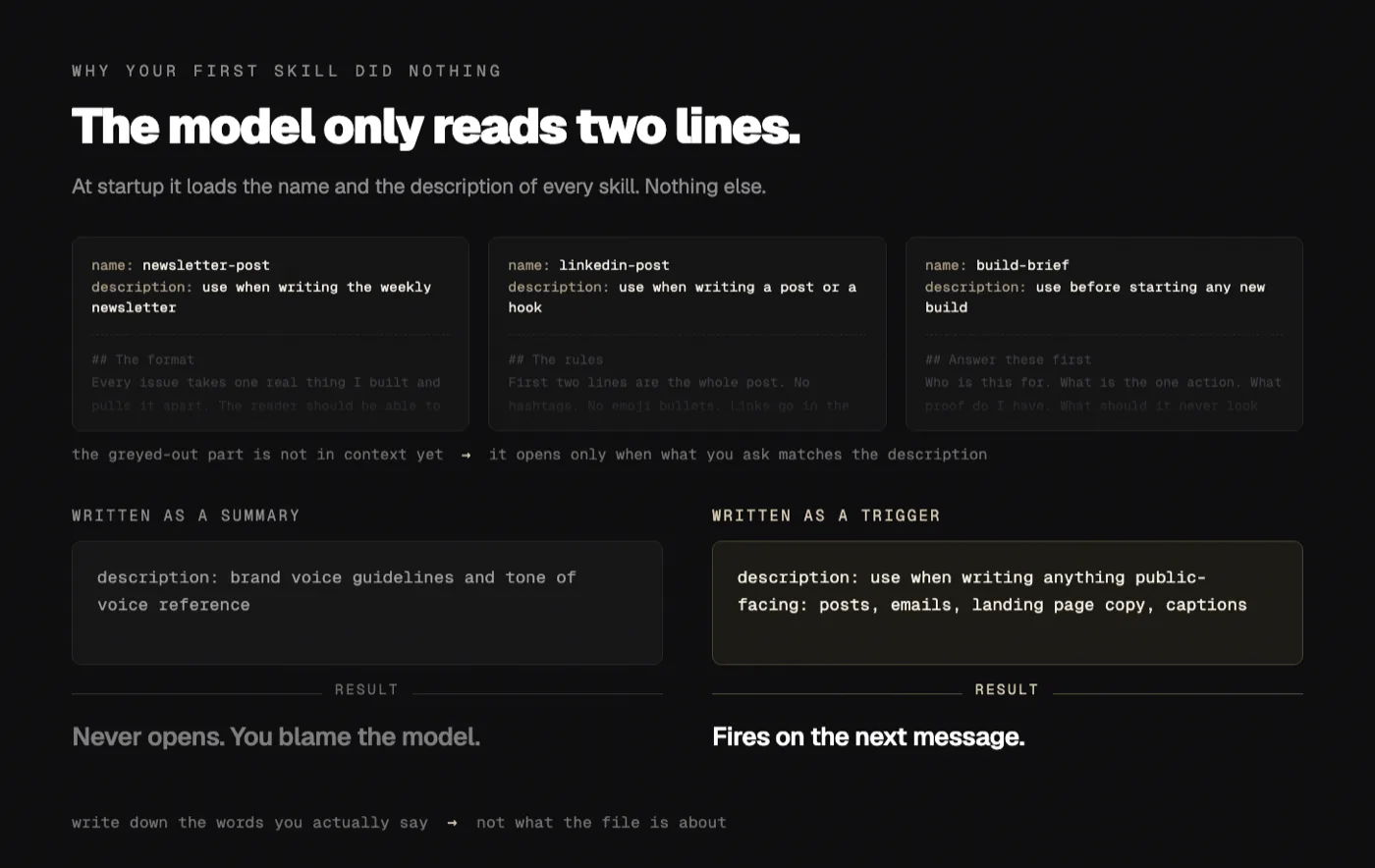
The model does not read your skills.
At startup it reads two lines from each one. The name, and the description. Nothing else.
Then it waits.
When something you ask matches a description, it opens that file and reads the rest.
They call it progressive disclosure. What it means in practice is simpler:
Your description is a trigger, not a summary.
Write “guidelines for content” and the skill sleeps forever. Write “use when writing the weekly newsletter, a LinkedIn post, or any public-facing copy” and it wakes up on its own.
You can write a careful 900-word skill, get nothing back, and conclude the whole idea is hype.
The 900 words were fine. Line two was the problem.
What is actually in my folder.
No adjectives here. Just the contents.
One
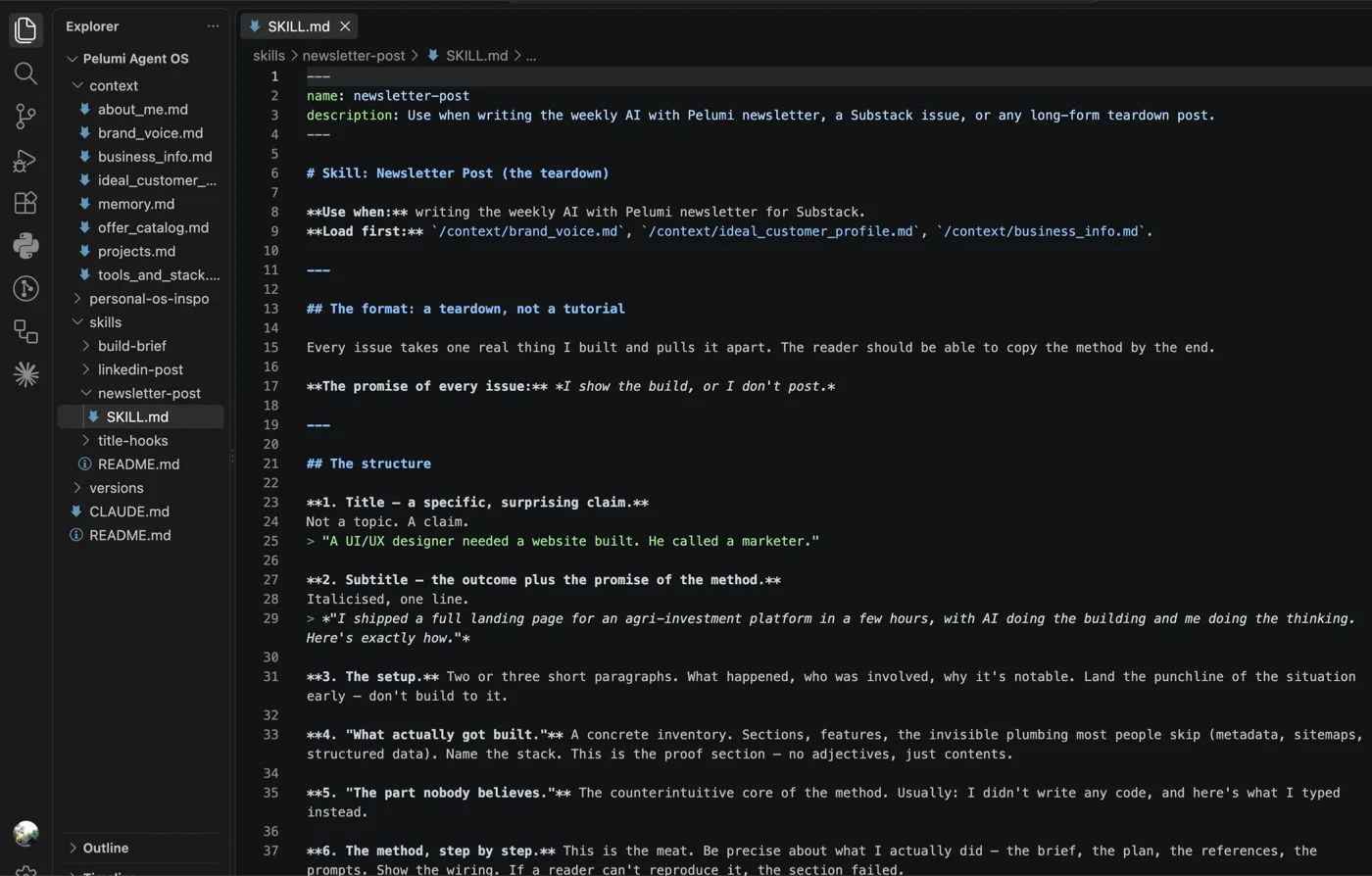
CLAUDE.mdat the root that loads at the start of every sessionEight context files: who I am, my voice, my business, my ideal customer, my offers, my projects, my stack, my past mistakes
Four skills: build brief, LinkedIn post, newsletter post, title hooks
One README so I remember what I built
The newsletter skill is 479 words. That is the whole thing.
Inside it: a nine-part structure, a rule that says name the specific tool and the specific number, and a list of things I am never allowed to publish.
One line in there says never a “5 tools you need” listicle. That’s not the brand.
That line is in the file because I kept drifting toward one.
I have not seen a listicle come back since.
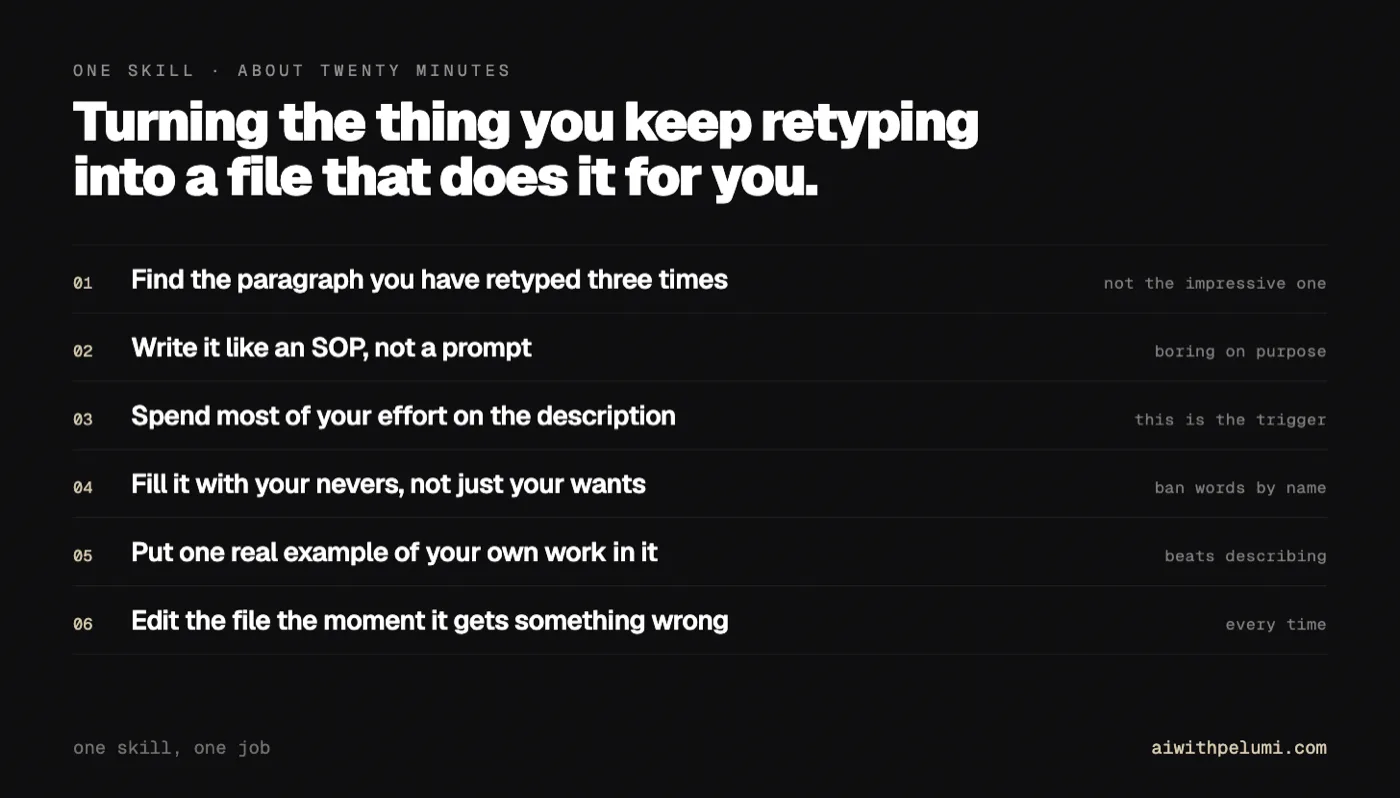
1. Find the thing you have explained three times.
Not your most impressive workflow. Your most repeated one.
Open your AI chat history and scroll.
Look for the paragraph you keep retyping. The tone note. The “remember, our audience is…” line. The format you correct every single time.
Three repeats is the threshold. Below that, just prompt it.
Mine was tone. I was pasting the same voice rules into every session and still getting copy that sounded like a SaaS company.
2. Write it like an SOP, not a prompt.
This is where most people go wrong, and it is a habit thing.
A prompt is written to persuade a machine. “You are a world-class copywriter with 20 years of experience.”
A skill is written to instruct a new hire on day one.
Plain sentences. Numbered steps. Real examples of good and bad.
Compare.
Prompt brain:
“Write engaging LinkedIn posts in a professional yet approachable tone.”
Skill brain:
“First two lines are the whole post. LinkedIn truncates there. No hashtags. No emoji bullets. Links go in the first comment, never the body. Never use the words delve, pivotal, or showcase.”
The second one is boring to read and impossible to misread.
That is the trade you want.
3. Spend most of your effort on two lines.
Every skill starts with a name and a description.
---
name: linkedin-post
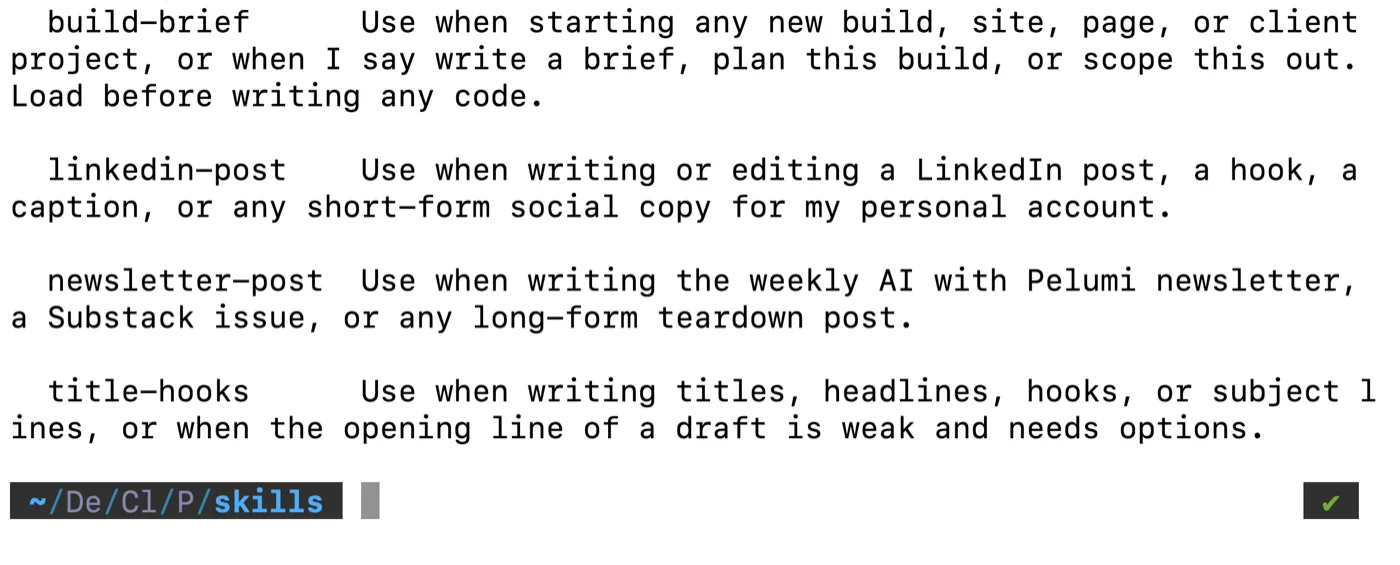
description: Use when writing or editing a LinkedIn post, a hook,
  or any short-form social copy for my personal account.
---
Read that description again and notice what it is doing.
It lists the words I actually say when I want this. “Write a LinkedIn post.” “Fix this hook.”
It is not describing the skill to a human. It is fishing for my own phrasing.
Write yours the same way. Say it out loud first, then write down the words you said.
4. Put your nevers in it.
Most people fill a skill with what they want.
The lines that do the heavy lifting are the ones about what they do not want.
My voice file has twelve banned words. Delve, intricate, foster, underscore, pivotal, showcase, realm, landscape, leverage, crucial, comprehensive, nuanced.
It has banned constructions too. No “not only, but also.” No rule-of-three padding.
That list took me ten minutes to write and it has saved me every editing pass since.
Steal the exercise. Read three things you published. Find the words that made you wince. Ban them by name.
5. Put it where you already work.
Same file. Different front door.
Claude. Settings, then Capabilities. Turn on code execution, then Skills. Your own skills go up as a zipped folder. In Claude Code you skip all of that: save it at .claude/skills/your-skill/SKILL.md and it loads on its own.
ChatGPT. Skills went generally available in July 2026 on Business, Enterprise, Edu and Healthcare plans. Create one in the sidebar or upload a folder. Type @ then the skill name to call it directly. In Codex the symbol is $.
One catch worth knowing before you go looking, and it trips people up because the tier names overlap: ChatGPT Free, Plus and Pro do not have Skills yet. Claude Pro does. So the same word on your bill means two different things depending on which tab you are in.
If you are on ChatGPT Plus or Pro, put the same file into a Project’s instructions instead. Same content, smaller door.
Everywhere else. Cursor, Copilot, VS Code, Gemini CLI, Goose. Drop the folder in and it works, because they all read the same open format.
One rule keeps this from turning into a mess as you add more.
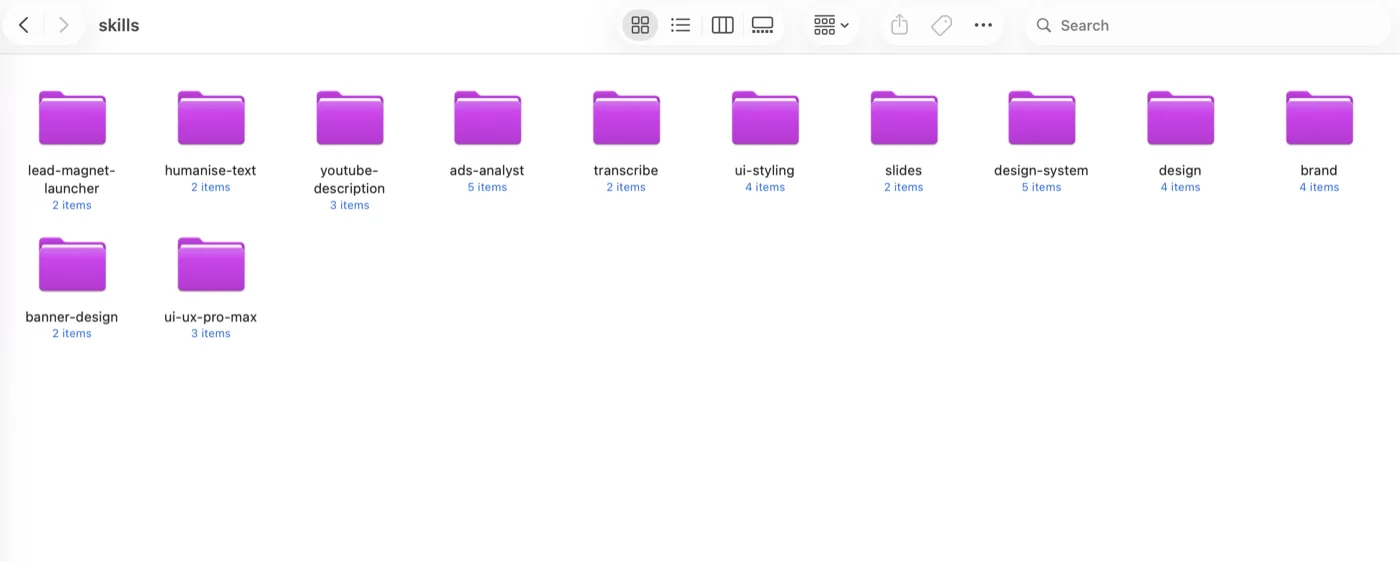
One skill, one job.
Not a single file called “my writing” with everything in it. A folder per job, each holding one SKILL.md that does one thing. The model opens the one that matches your request and leaves the others shut, which only works because they are separate files.
6. Edit it the moment it gets something wrong.
This is the habit that separates a skill that works from a folder full of dead files.
When the output is wrong, do not just correct the output.
Open the file. Add the line that would have prevented it. Save.
A prompt you fix stays fixed for one conversation.
A skill you fix stays fixed forever.
Every edit I have made to my newsletter skill came from something it got wrong that week. That is the only reason to open the file.
Still free. Still only spreads because someone sent it to you.
What broke.
Twice. Neither time was the model being stupid.
For most of this year, both signup forms on this site redirected to Substack with the email already filled in.
It looked like a shortcut. It looked like the sort of thing you tidy up on a slow afternoon.
It was not. Substack’s API returns a 403 on bot protection. So a cleaner background version of that form would have accepted every signup and dropped it. No error message. No email. Nothing.
Two different agents flagged it as an improvement. Politely, sensibly, and completely wrong, both times.
That is what made me write it down. One agent getting it wrong is a bad session. Two agents getting it wrong the same way is a missing file.
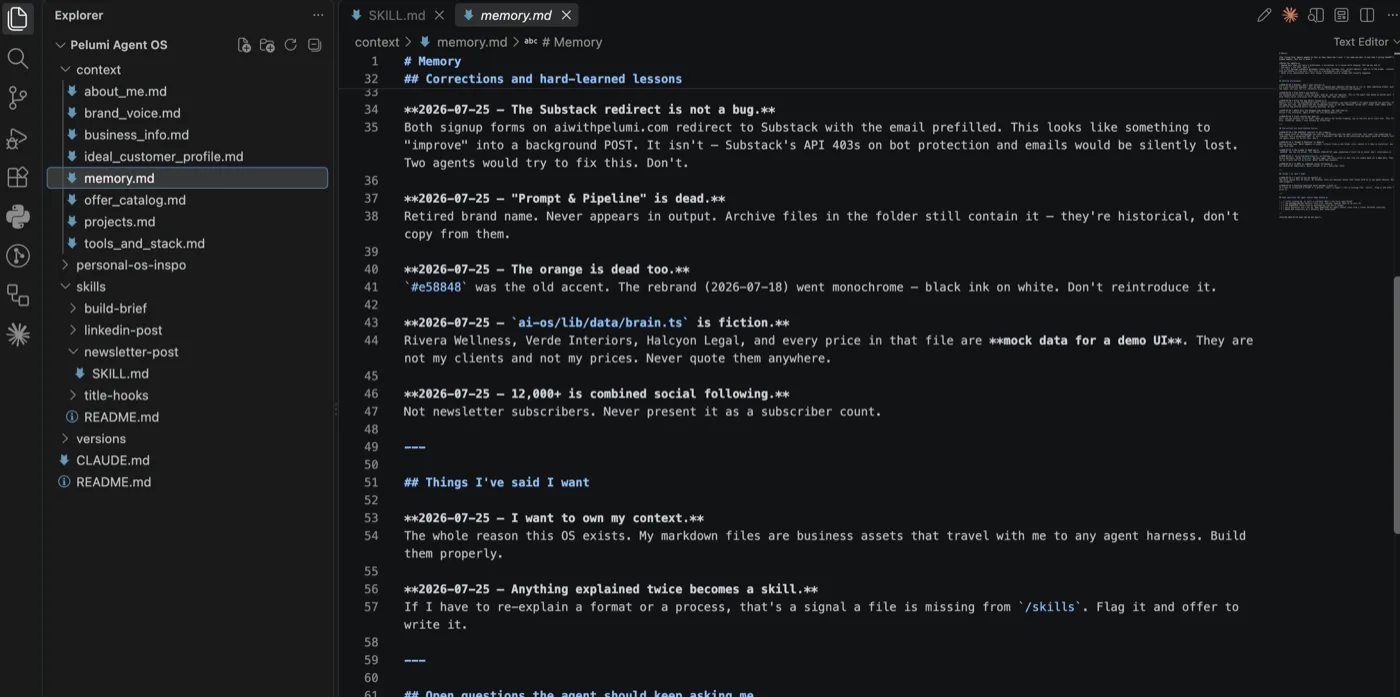
The fix was not a better prompt. It was one dated line in a file:
The Substack redirect is not a bug. Don’t “improve” it into a background POST.
Nobody touched it again.
Those forms have since moved off Substack completely. They post to my own API now, and this guide is on my own site rather than someone else’s. That happened in July, on purpose, with a provider chosen and a database migrated.
Which is a different thing from an agent rewriting a form on a Tuesday because it looked untidy.
The line did not freeze the code forever. It stopped a change nobody owned.
The second one is worse.
There is a file in one of my projects full of client names and prices. Three companies that do not exist, with sensible-looking numbers next to each one.
All of it is invented. It is mock data for a demo interface I built.
An agent reading that folder has no way to know that. It looks exactly like a client list, because I built it to look exactly like a client list. One confident session and those names are in a case study with my name on it.
So that went in the file too. This is fiction. Never quote it.
Same pattern both times. The model was not wrong about the code. It was missing one fact about my business that only I had.
That is the actual job of a skill. Not making the model smarter. Telling it the things it has no way to find out.
What a skill still cannot do.
It cannot give you taste you do not have.
My banned-word list works because I read my own writing and knew which words were lies. No model handed me that. It came from being embarrassed.
A skill is a container for judgment you already own. Empty in, empty out.
It also will not save you from a bad idea. My newsletter skill has one rule I keep running into: never publish a guide where nothing was actually built.
Some weeks that rule stops the guide entirely.
That is the rule working. It is still annoying.
Do this today.
Open your AI chat history.
Find the paragraph you have retyped three times.
Move it into a file. Give it a description that sounds like the words you actually say.
Here is the whole starter, free. Copy it, fill the brackets, save it as SKILL.md inside a folder with the same name.
---
name: [short-name-with-dashes]
description: Use when [the exact words you type when you want this].
---

# [What this is]

## Use this when
[The situations. Be specific. Name the surfaces: posts, emails, decks, whatever they are.]

## Steps
1. [First thing, plainly]
2. [Second thing]
3. [Third thing]

## Rules
- [A hard rule, not a preference]
- [Another one]

## Never
- [The thing that makes you wince]
- [The other thing]

## What good looks like
[Paste one real example of your own work. This section does more than all the rest combined.]
That last section does more than the rest combined. One real example of your writing beats a page of describing your writing.
And here is mine, the actual file that wrote this guide, so you can see a finished one next to the blank one.
---
name: newsletter-post
description: Use when writing the weekly AI with Pelumi newsletter, a guide for aiwithpelumi.com, or any long-form teardown post.
---

# Skill: Newsletter Post (the teardown)

**Use when:** writing the weekly AI with Pelumi newsletter. It publishes at aiwithpelumi.com/posts/, not on Substack.
**Load first:** your own voice, audience and business files, if you keep them. If you don't yet, that's the next thing to write.

---

## The format: a teardown, not a tutorial

Every guide takes one real thing I built and pulls it apart. The reader should be able to copy the method by the end.

**The promise of every guide:** *I show the build, or I don't post.*

---

## The structure

**1. Title: a specific, surprising claim.**
Not a topic. A claim.
> "A UI/UX designer needed a website built. He called a marketer."

**2. Subtitle: the outcome plus the promise of the method.**
Italicised, one line.
> *"I shipped a full landing page for an agri-investment platform in a few hours, with AI doing the building and me doing the thinking. Here's exactly how."*

**3. The setup.** Two or three short paragraphs. What happened, who was involved, why it's notable. Land the punchline of the situation early. Don't build to it.

**4. "What actually got built."** A concrete inventory. Sections, features, the invisible plumbing most people skip (metadata, sitemaps, structured data). Name the stack. This is the proof section. No adjectives, just contents.

**5. "The part nobody believes."** The counterintuitive core of the method. Usually: I didn't write any code, and here's what I typed instead.

**6. The method, step by step.** This is the meat. Be precise about what I actually did: the brief, the plan, the references, the prompts. Show the wiring. If a reader can't reproduce it, the section failed.

**7. What broke.** Mandatory. Every guide names at least one thing that went wrong and how it got diagnosed. This is what separates this newsletter from the hype accounts.

**8. What AI still couldn't do.** Also mandatory. The honest ceiling. Judgment calls, real testimonials, my own headshot, choosing a vendor.

**9. The takeaway.** One paragraph. What the reader should do differently on Monday.

---

## Rules

- **First person, always.** Short lines. Uneven pacing.
- **Specifics over claims.** "Ten sections, ten legal pages, two evenings" beats "a big project."
- **Name real tools and real numbers.** Never round up to sound impressive.
- **Never fake social proof or invent results.**
- **Ladder to a pillar.** Every guide should sit under one of your content pillars. Mine are Content Engine, Build It Don't Learn It, Your AI Workforce, and Prompt to Production. Replace those with yours. If a piece doesn't fit one, question whether it should exist.
- Run the final draft through the `stop-slop` skill before publishing.

---

## Never

- Never a "5 tools you need" listicle. That's not the brand.
- Never a trend recap or a news reaction.
- Never publish a guide where nothing was actually built.
Two folders, both of the above, plus a short readme on where each tool wants the file:
Build one. Then reply and tell me which job you picked.
Whichever job the most of you pick is the skill I write next, and I will send it out finished.
Pelumi